Feedback - reviewing and comments
All constructive feedback is welcomed on The Ark - whether you want to complete a full review report, add a comment, or give a rating using the opensci Rater app. As long as you’re a member of a Community, you are invited to give feedback on any preprint in that Community.
Reviewing
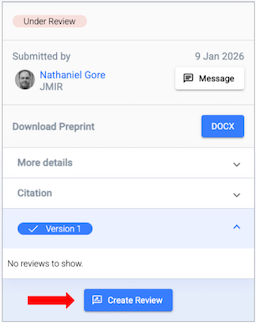
If a preprint is available to review, you can just click the Create Review button to get started:
Note: Sometimes, a preprint posted on The Ark may be under review at a traditional journal. Authors are asked to declare when this is the case so anyone providing feedback on The Ark know they may be duplicating effort elsewhere. The following alert on a preprint tells you whether it is undergoing peer review elsewhere:

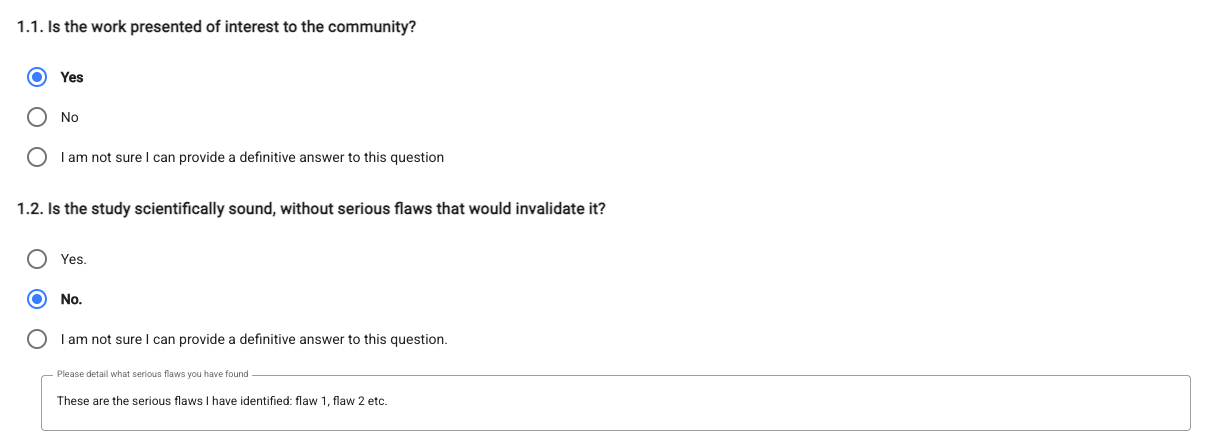
Reviews on The Ark are structured, guided by a series of questions. If you answer “No” to any questions, you’ll be asked to expand on your answer. You also have the option to answer “I am not sure I can provide a definitive answer to this question” - if you don’t feel you have the expertise or knowledge to answer a question, please select this option. There are 13 questions in the standard form, though Communities can modify the questions to suit their field.
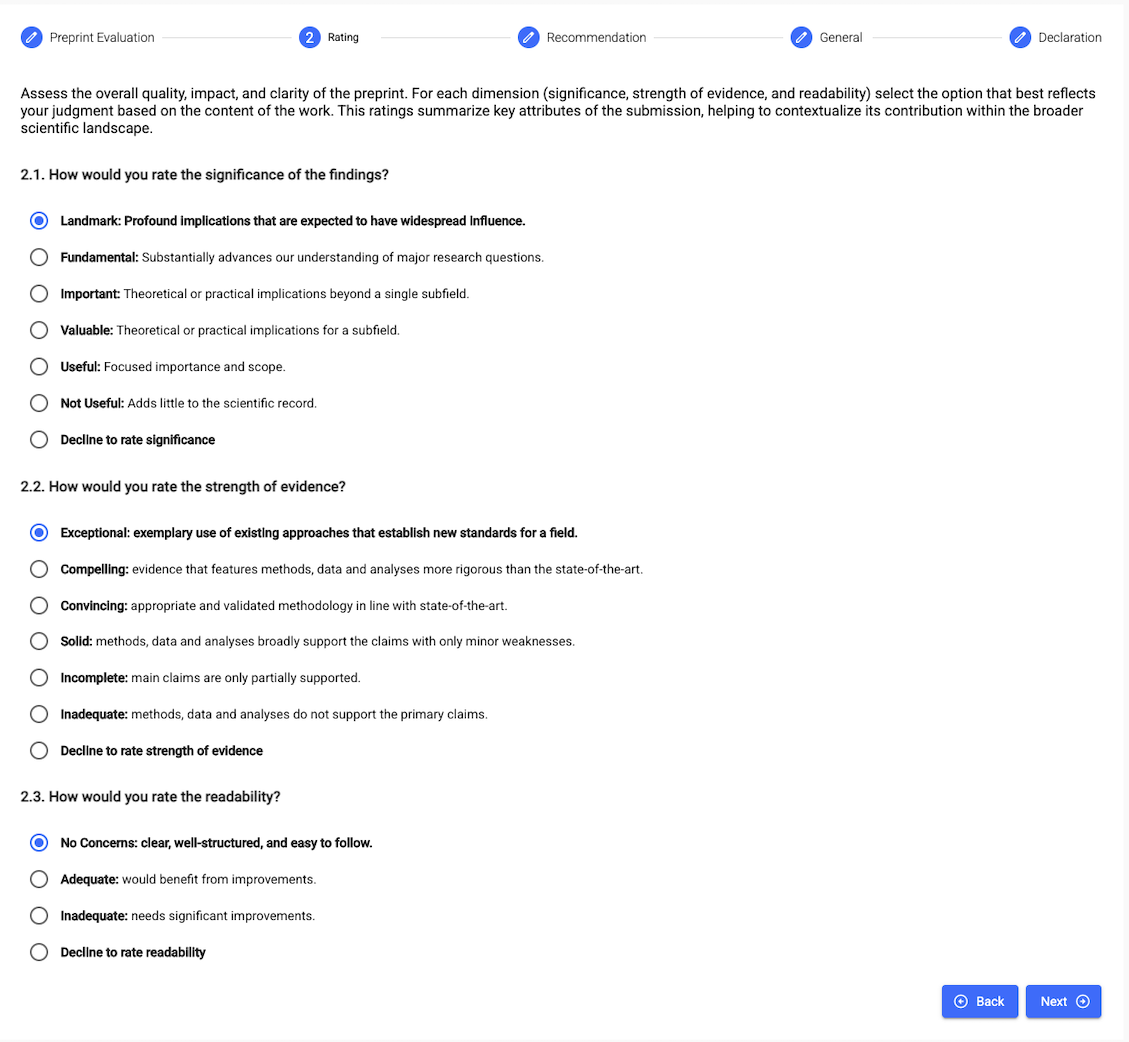
In the next section of the form, you’ll be asked to provide a Rating of the significance, strength of evidence and readability:
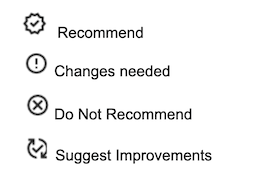
Section 3 is to make an Endorsement Recommendation to the Community Curator. This recommendation will also appear in the review summary.
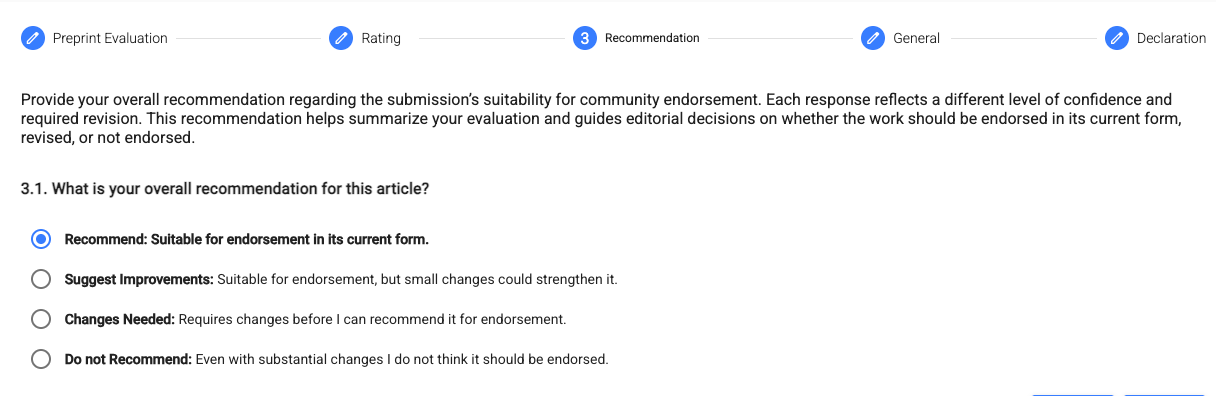
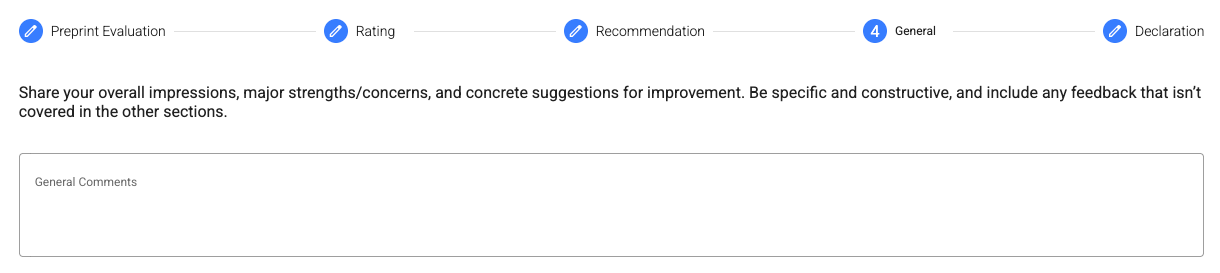
In section 4, you can add any general comments or feedback. These will be publicly available (assuming the default setting for Community transparency) so please ensure you write comments that you would be happy for the authors and colleagues to read them and associate them with you.
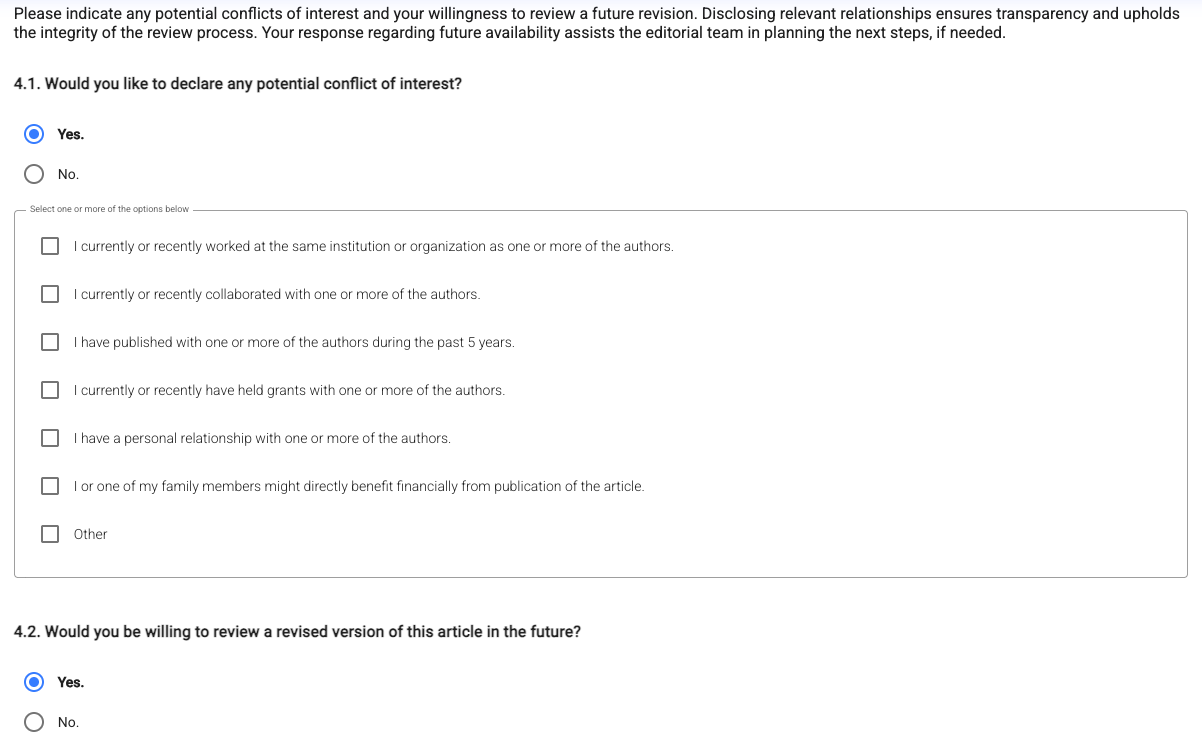
In the last section, you’ll be asked to indicate if you have any conflicts of interest, and whether you’d be willing to review a revised version of the preprint. Having a conflict of interest doesn’t stop your review being useful on The Ark, so please be transparent about any relationship you may have to the authors or their institution - this will assist the Community Curator in making a fair Recommendation decision.
Then just click Save, and Submit to finalise your review:

The default setting for Ark Communities is that reviews are made immediately available upon submission, so you’ll be able to see - and share - your review associated with the preprint straight away.
How Reviews are presented on The Ark
The default setting for Ark Communities is that all content is open and transparent - so you can read the reviews, and see who wrote them.
When reviews have been submitted, you can see them in detail on the article page, under the Reviews tab
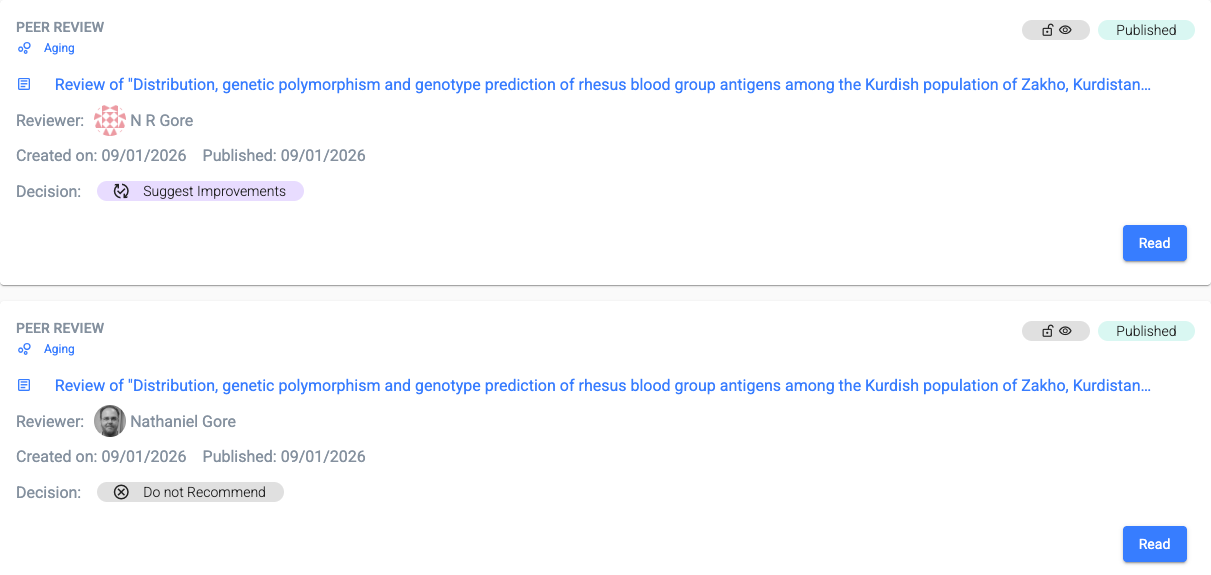
You can also see signals on tables of contents and elsewhere to indicate the Endorsement Recommendations of the reviewer:
Commenting
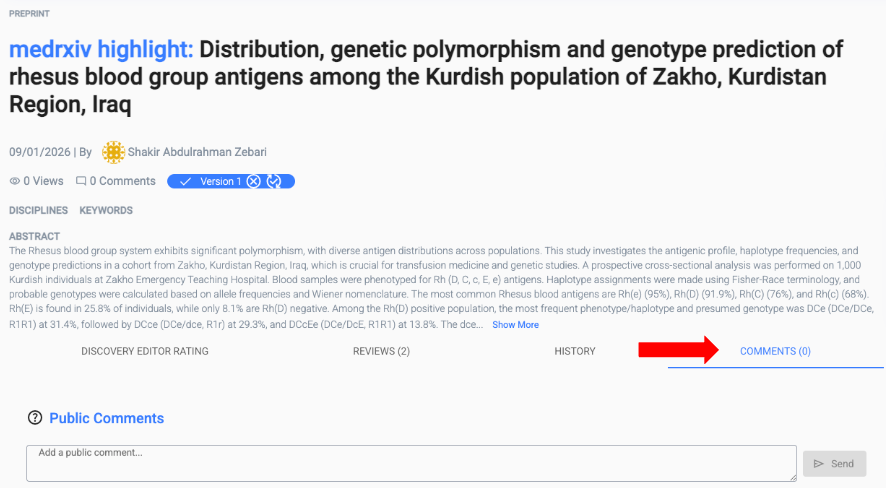
If you don’t want to complete a full review, you can submit a Comment - just look for the Comment section on the preprint page
All Comments are public and will be associated with your profile, so please ensure you write comments that you would be happy for the authors and your peers to read them and associate them with you.