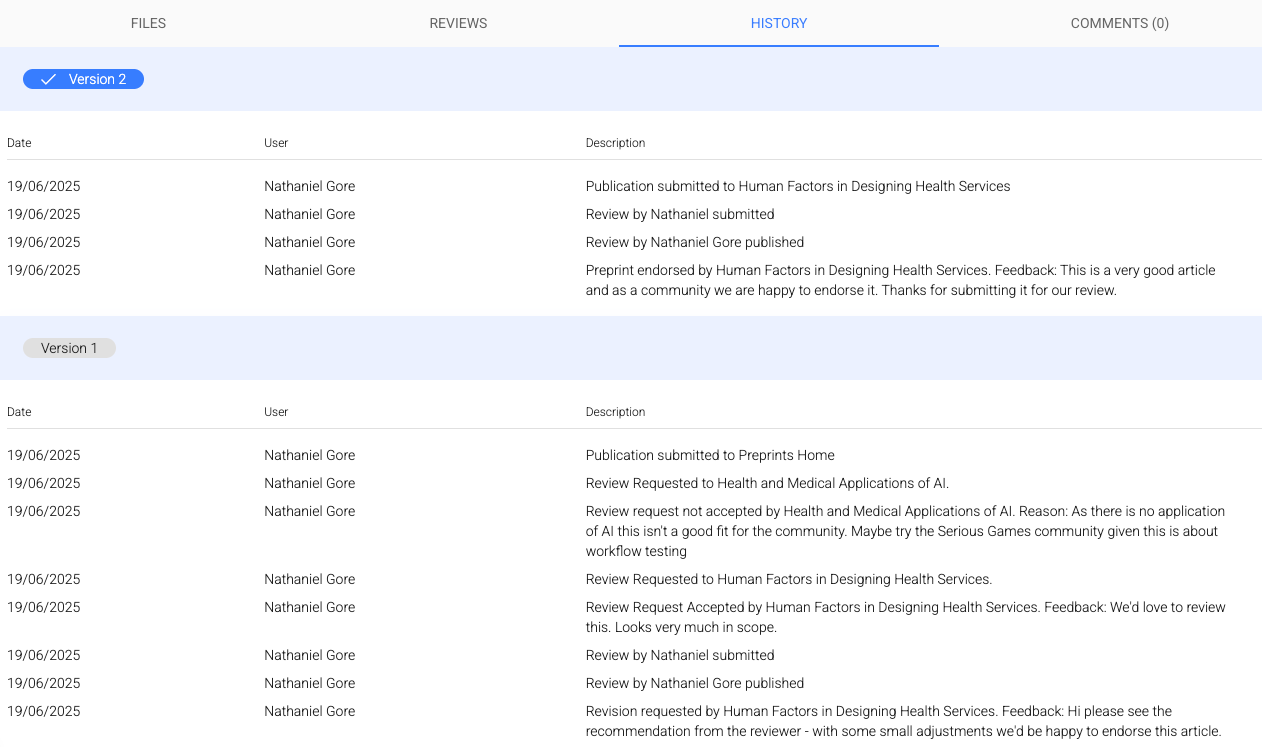
Statuses and history
Preprint Status
On The Ark you can clearly see the status of an article, which will follow a general workflow of:
Draft > Preprint > Review Request > Under Review > Endorsed
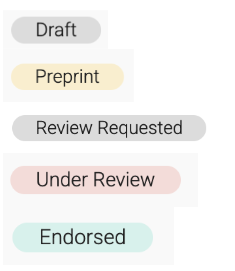
Note that “Review Requested” will only appear if a Community has chosen the optional additional step to assess review requests before making a preprint available for review; with the default setting of a Community, however, if a member requests feedback the status will automatically move from “Preprint” to “Under Review”.
Review Status
If you are reviewing on The Ark, you can see all your reviews - and their status - by clicking “My Reviews” in the left sidebar menu.
Reviews can have one of three statues:
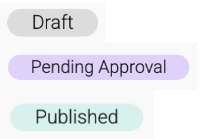
Note that “Pending Approval” will only appear if a Community has chosen the optional additional step to assess review reports before they are published; with the default Community setting, most reviews will go straight to “Published” once they are submitted.
Preprint History
The entire history and all actions of a preprint on The Ark are clearly provided and cannot be disassociated from a preprint. You can access this under the “History” tab. If there are multiple Versions of an article, these are split out in the History tab.