Onboarding
If you are new to The Ark it is important that you complete your profile details.
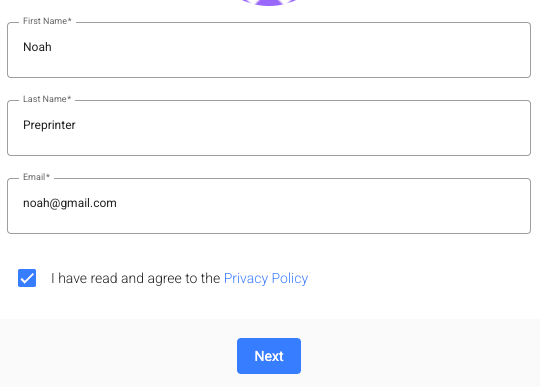
After registering, you’ll be taken to the onboarding page and asked to complete some basic details, including your name and email.
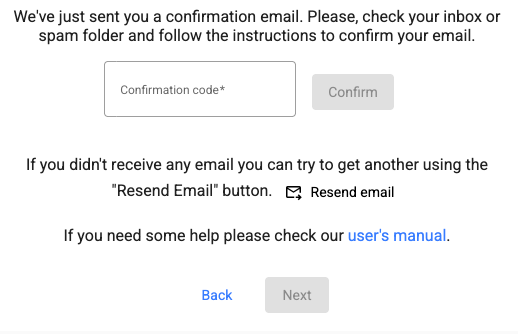
We’ll then ask you to confirm your email. You’ll receive a code to your inbox, which you’ll need to copy into the box shown below.
From here, you can add an avatar, banner image, biography and professional details to your profile.